 Cantus™
AI on your computer
AI that works with you, on your computer
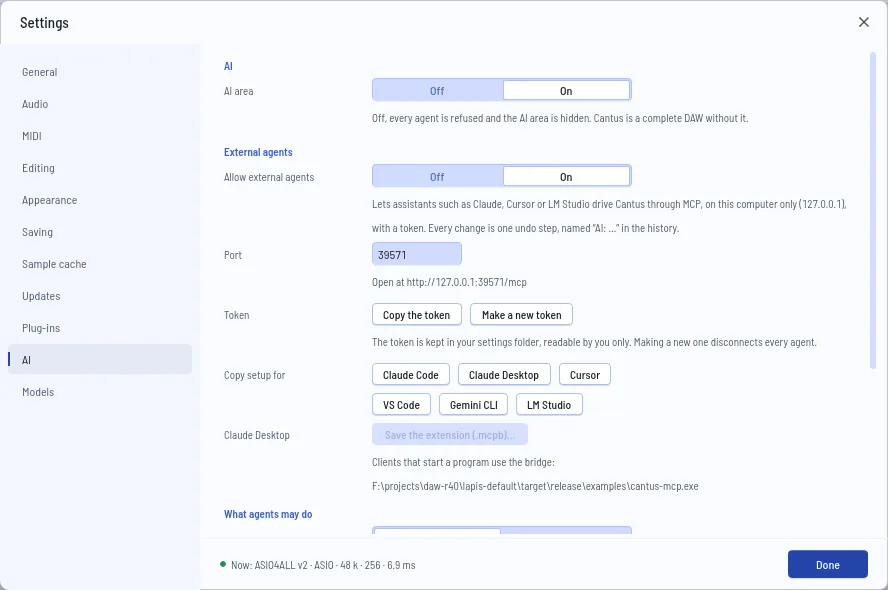
Bring the assistant you already use, or none at all. Cantus has no AI service of its own and sends nothing anywhere; models download from their makers only when you ask.
Your assistant, in your DAW
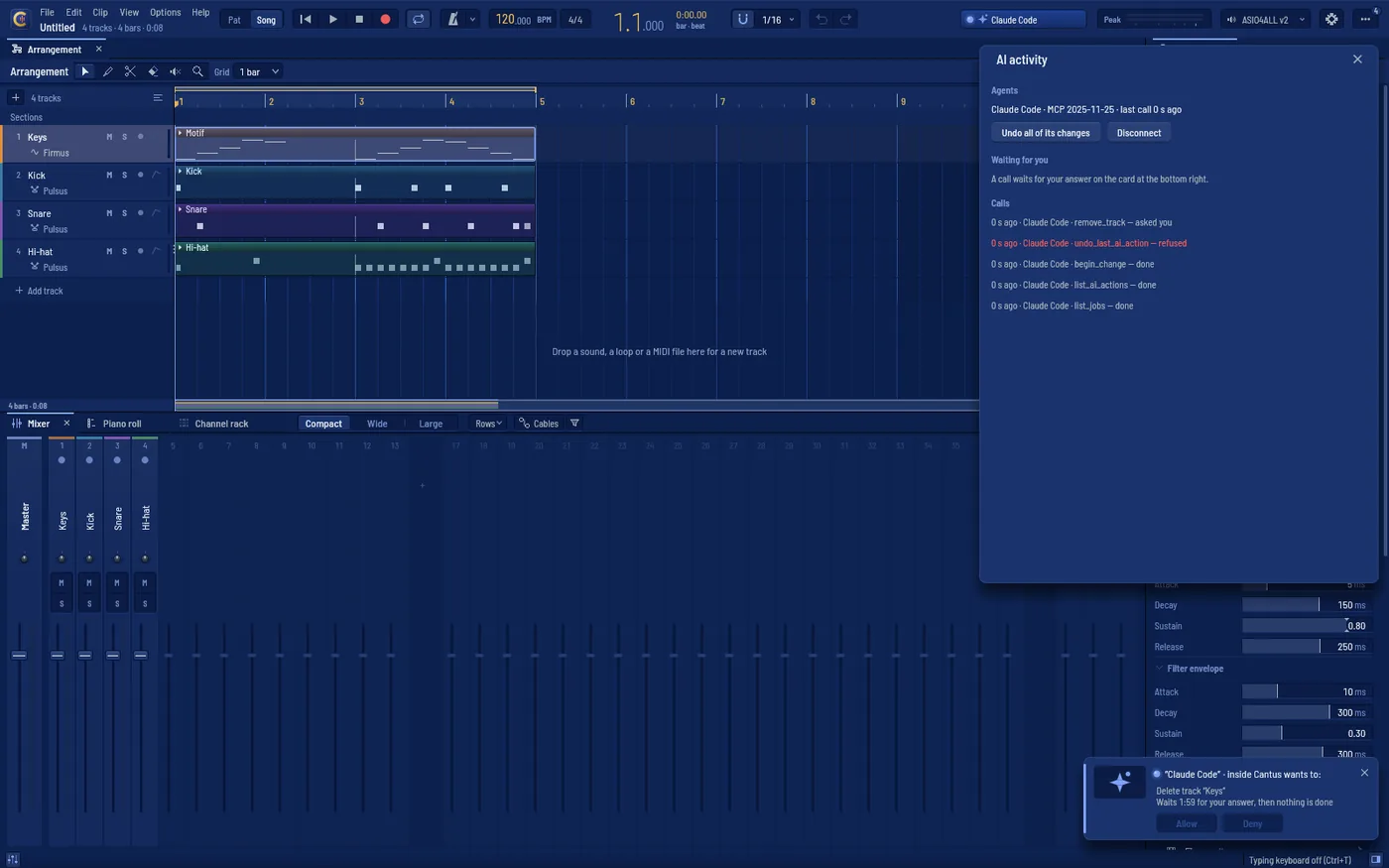
Claude Code, Claude Desktop, Cursor, VS Code, Gemini CLI and LM Studio drive Cantus through MCP: tracks, notes and chords, the mixer, effects, automation, export — about sixty tools made for music.
Every change, one undo step
Edits ask first on a card; removing your material and files always ask. External agents are off until you allow them, on this computer only.
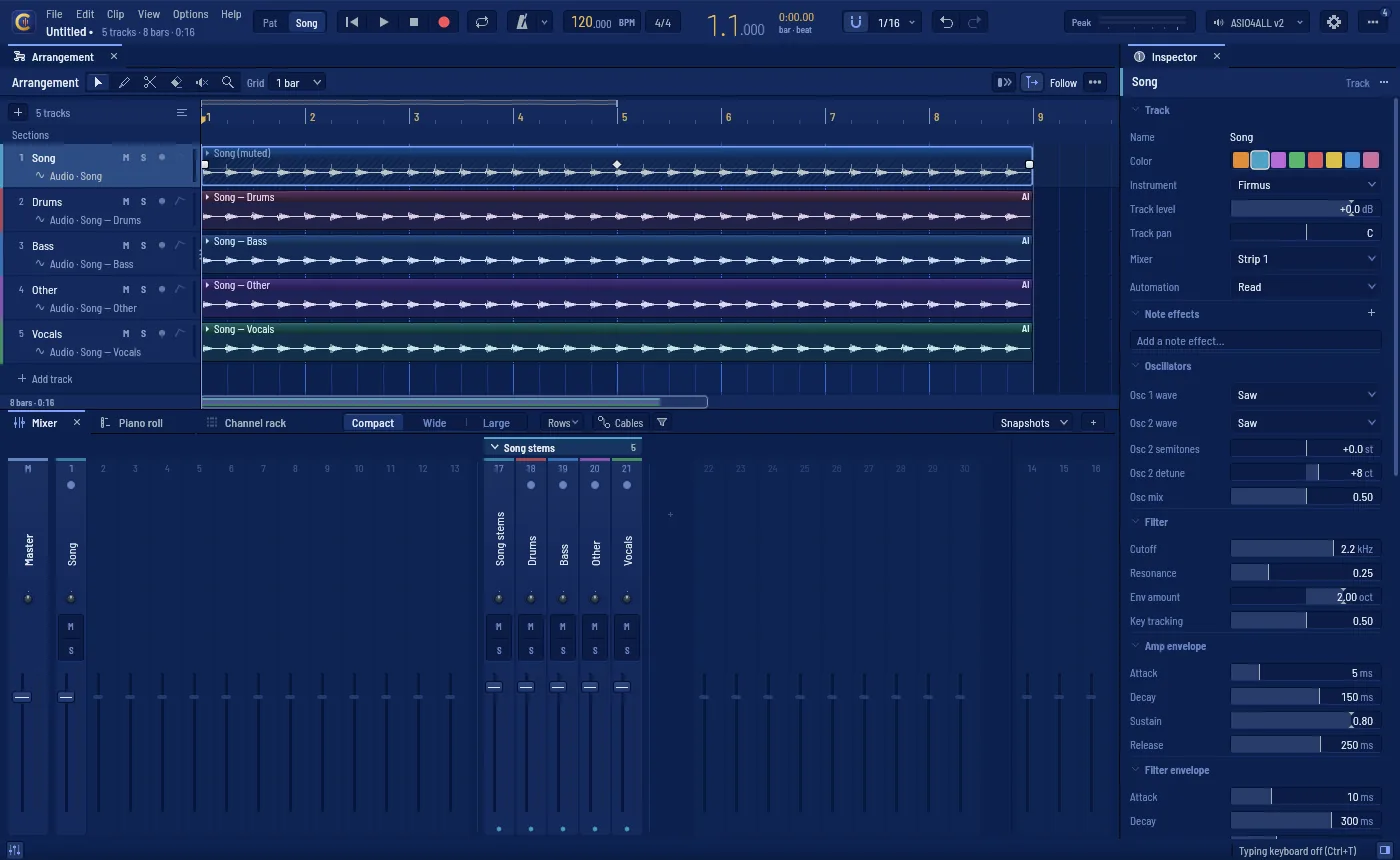
Stems and audio to MIDI
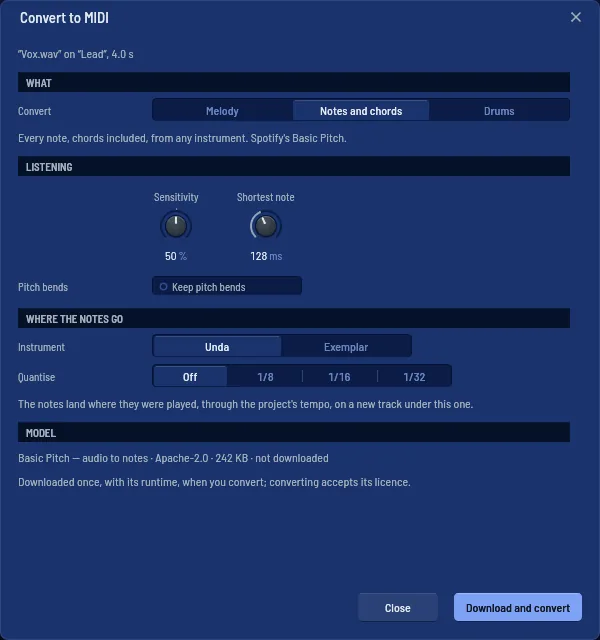
Split a song into drums, bass, vocals and the rest with HT-Demucs — 8.80 dB SDR, the paper's own — or turn a melody, chords or a drum loop into notes.
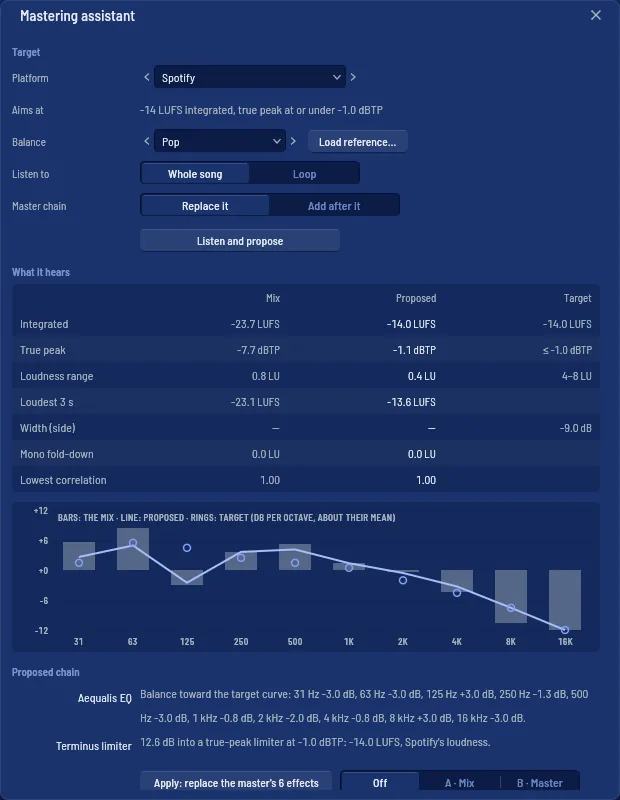
Mastering you can read
Pick a platform; the assistant proposes a chain of Cantus's own effects, says why, compares at the same loudness and leaves every knob yours.